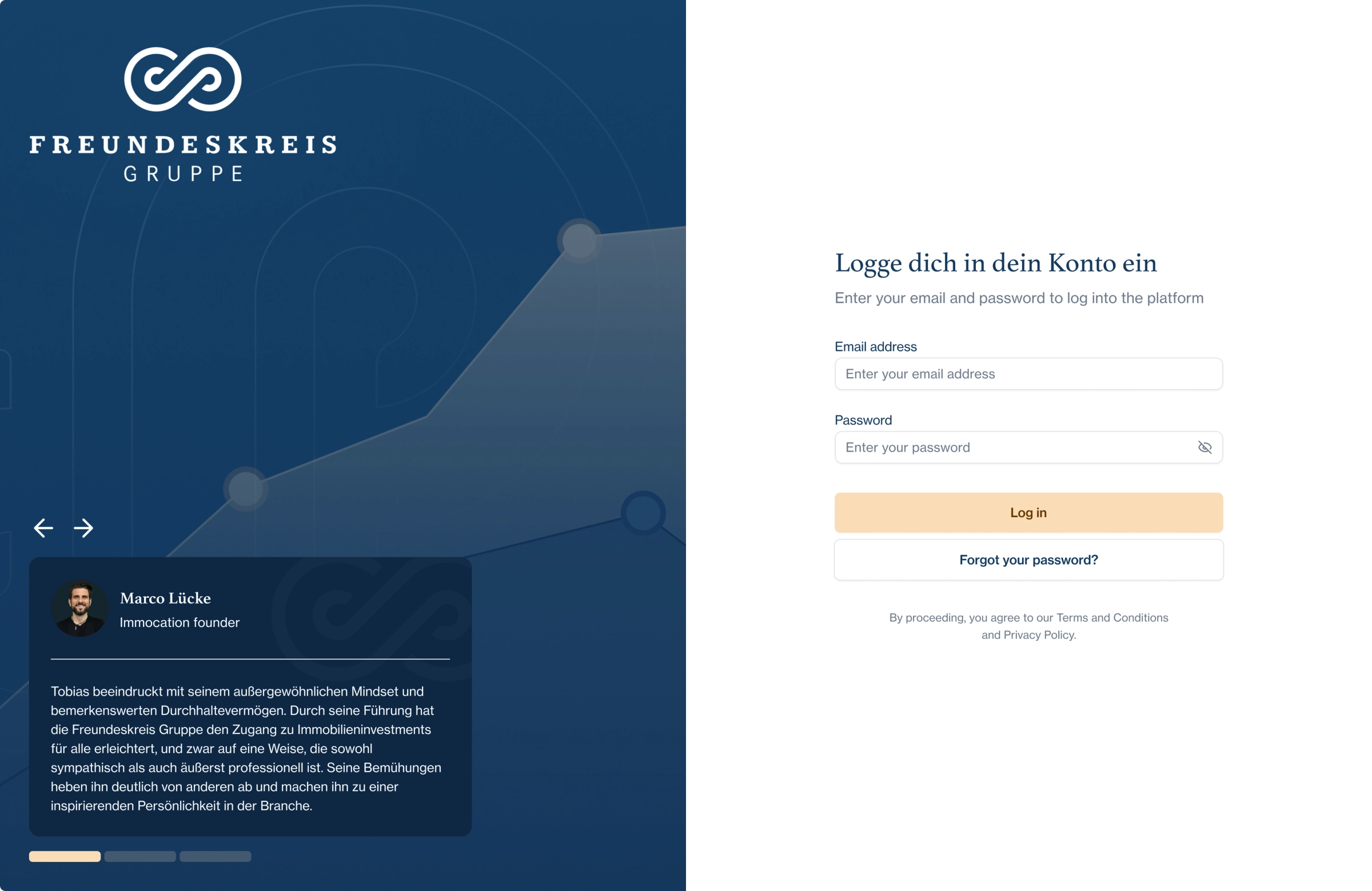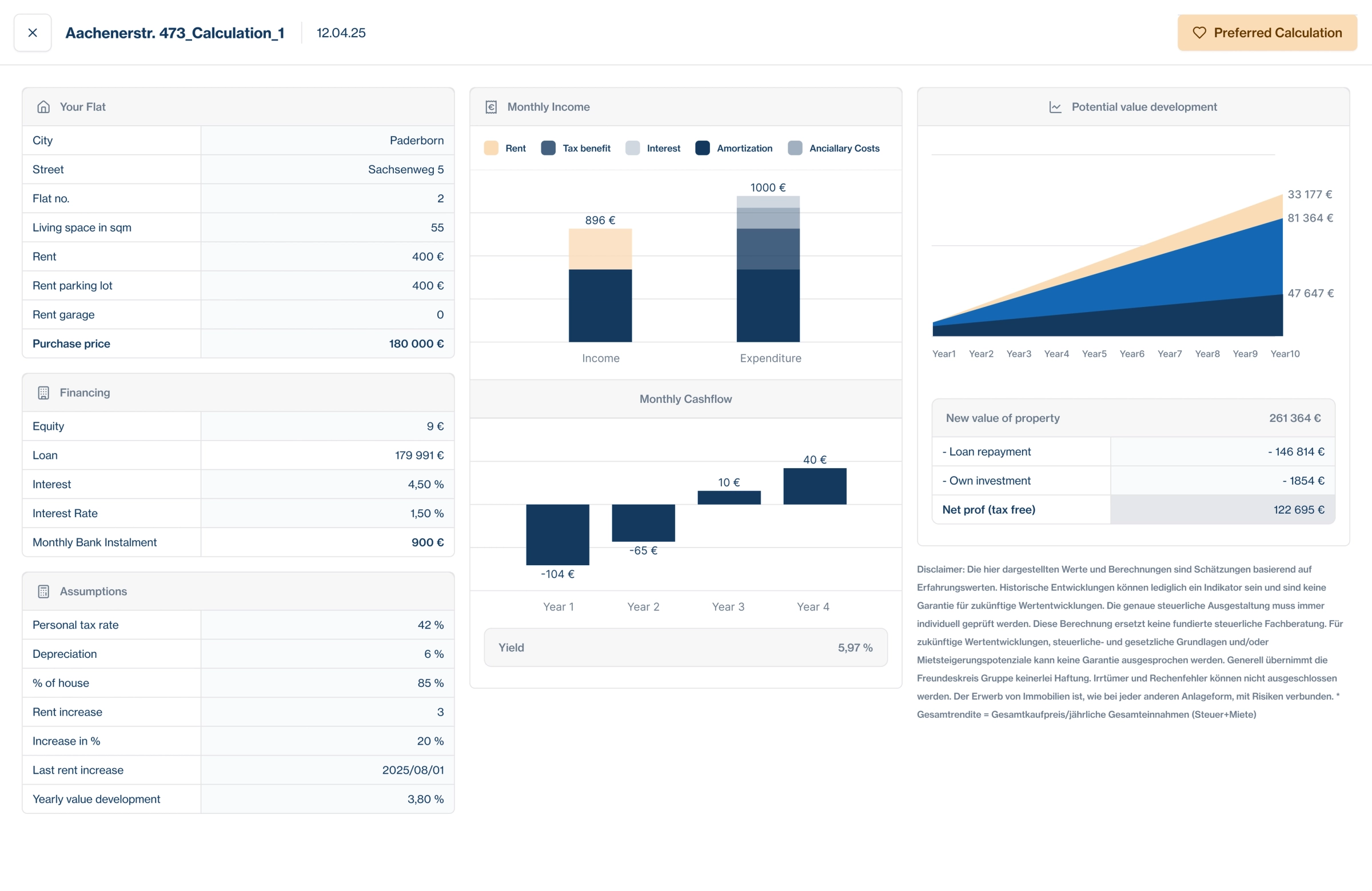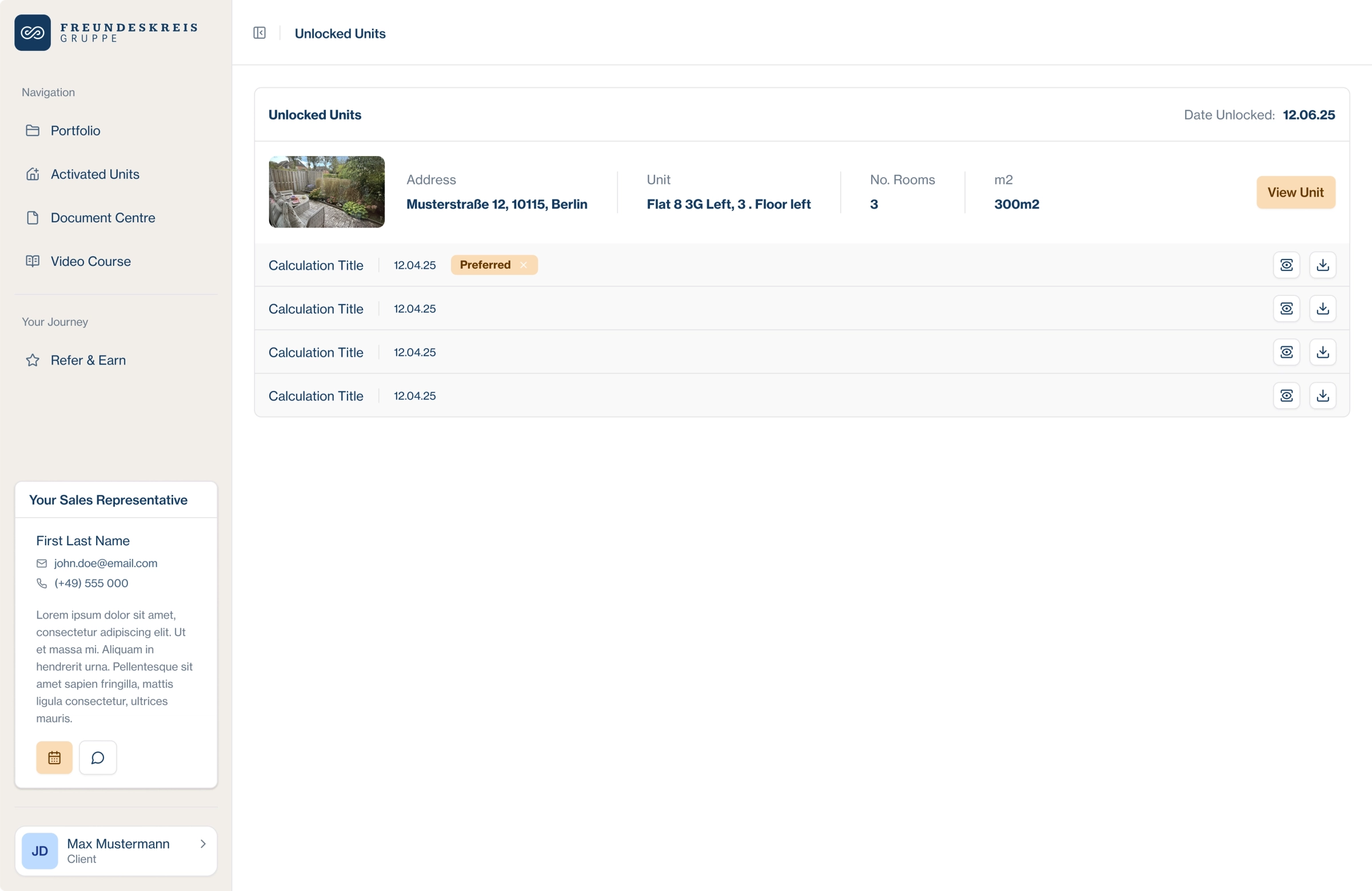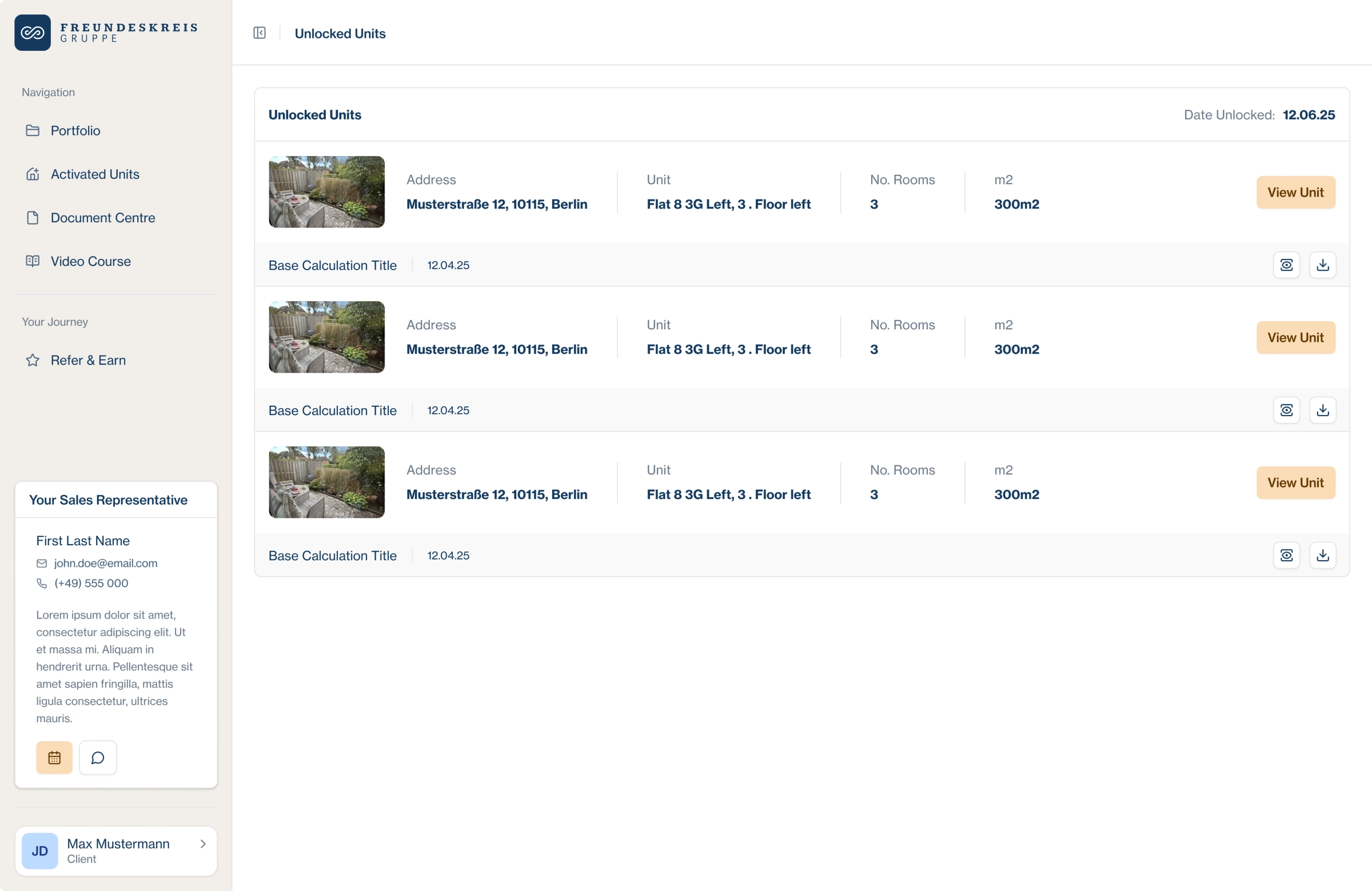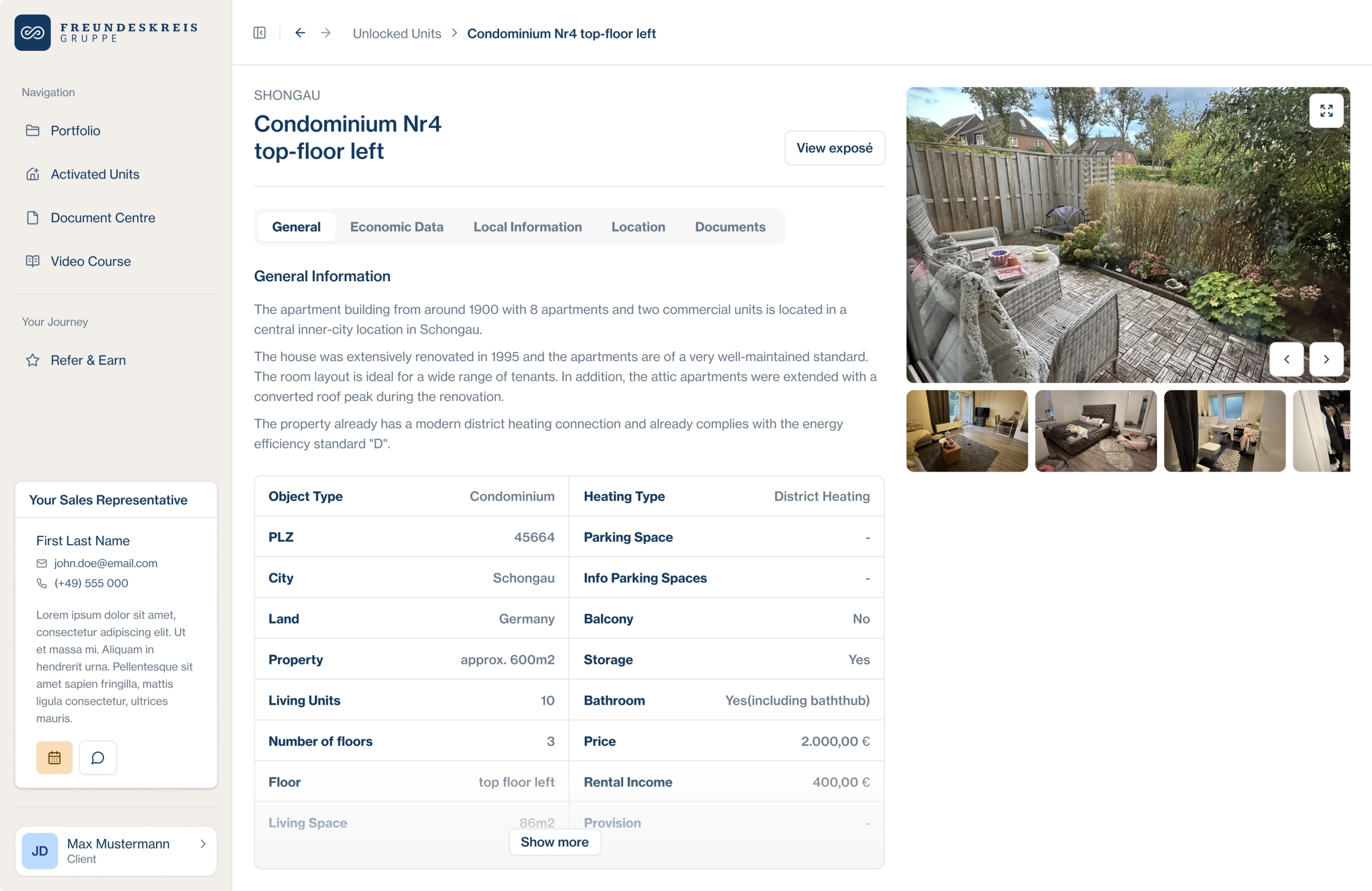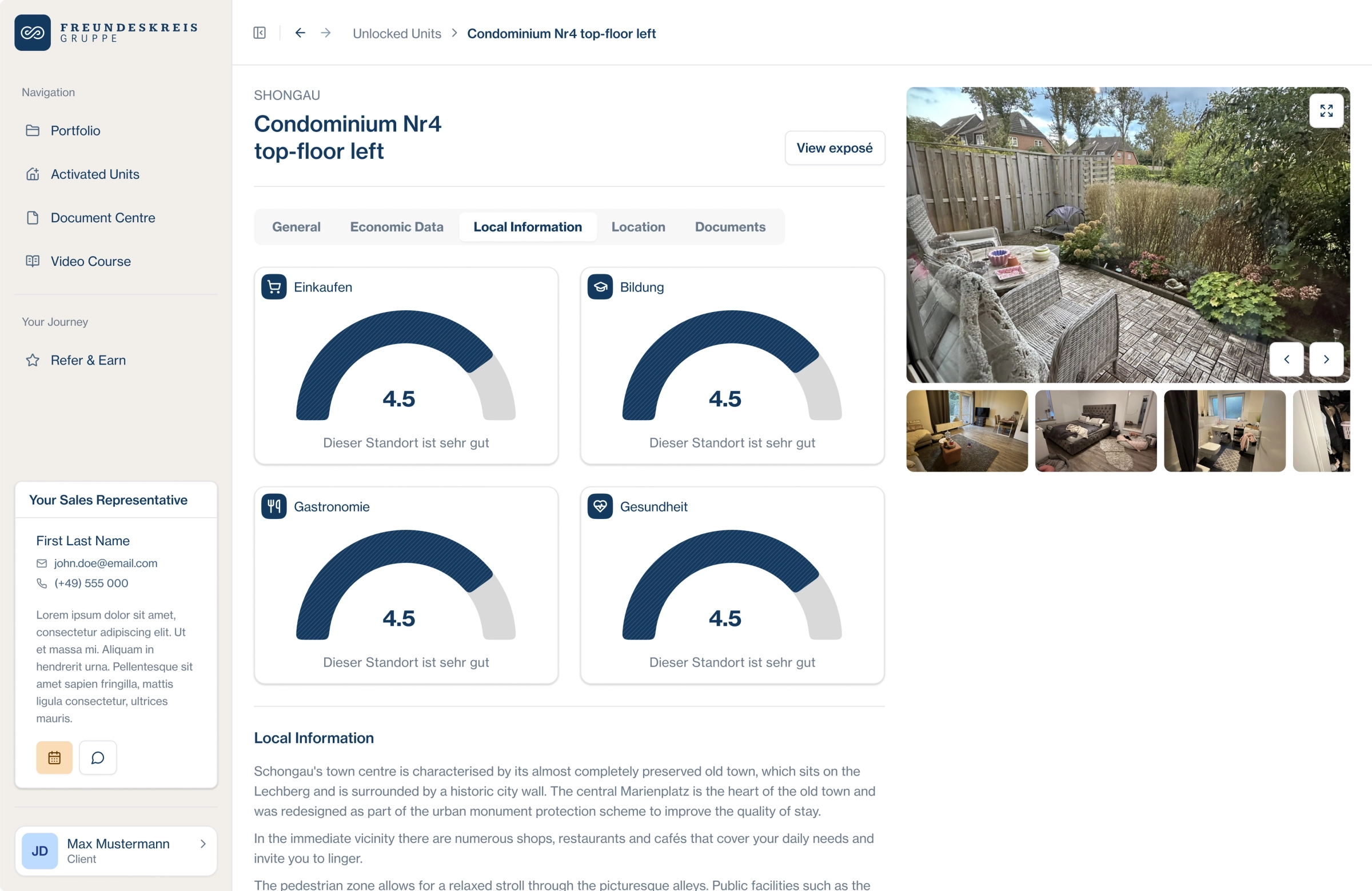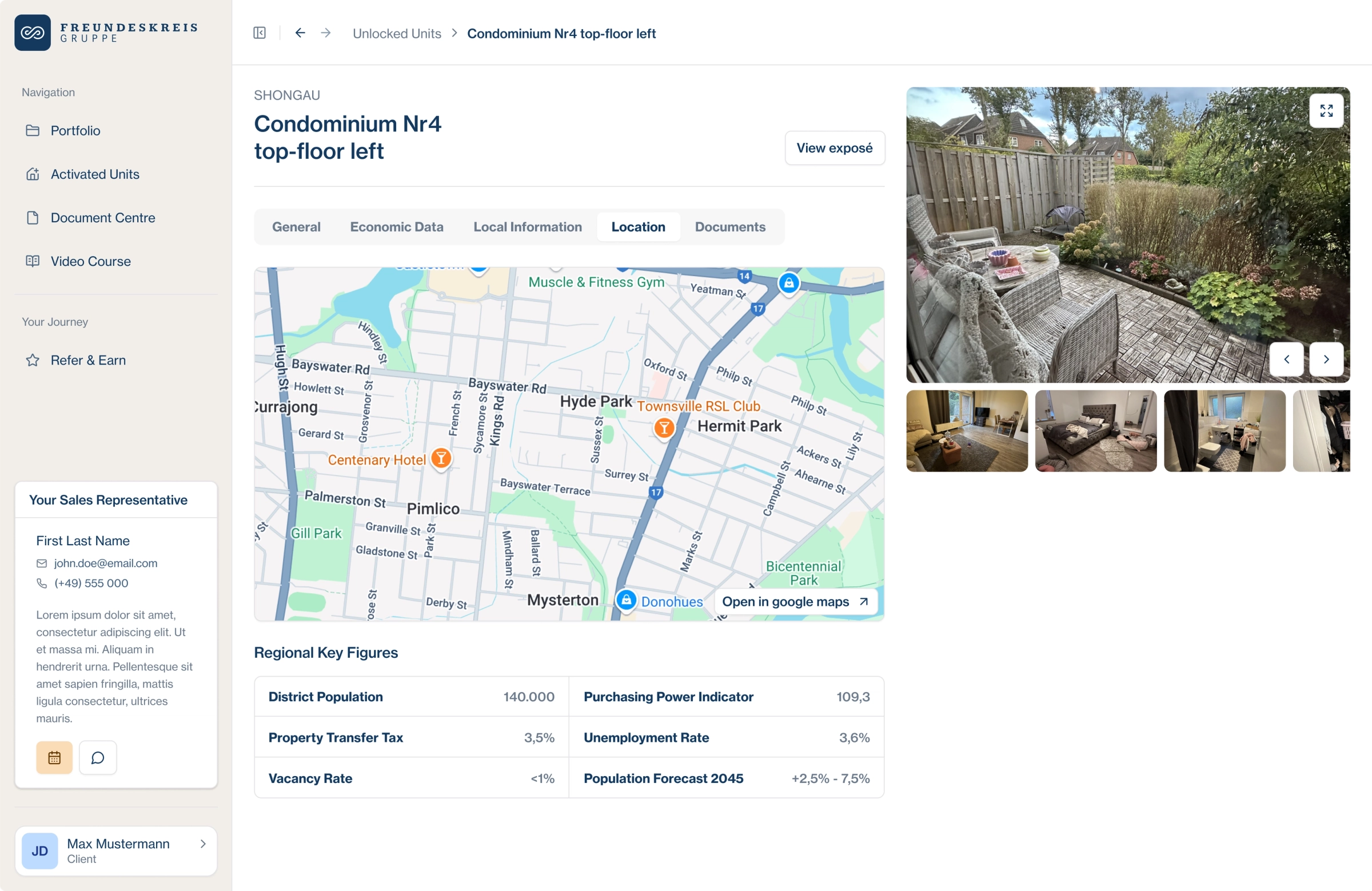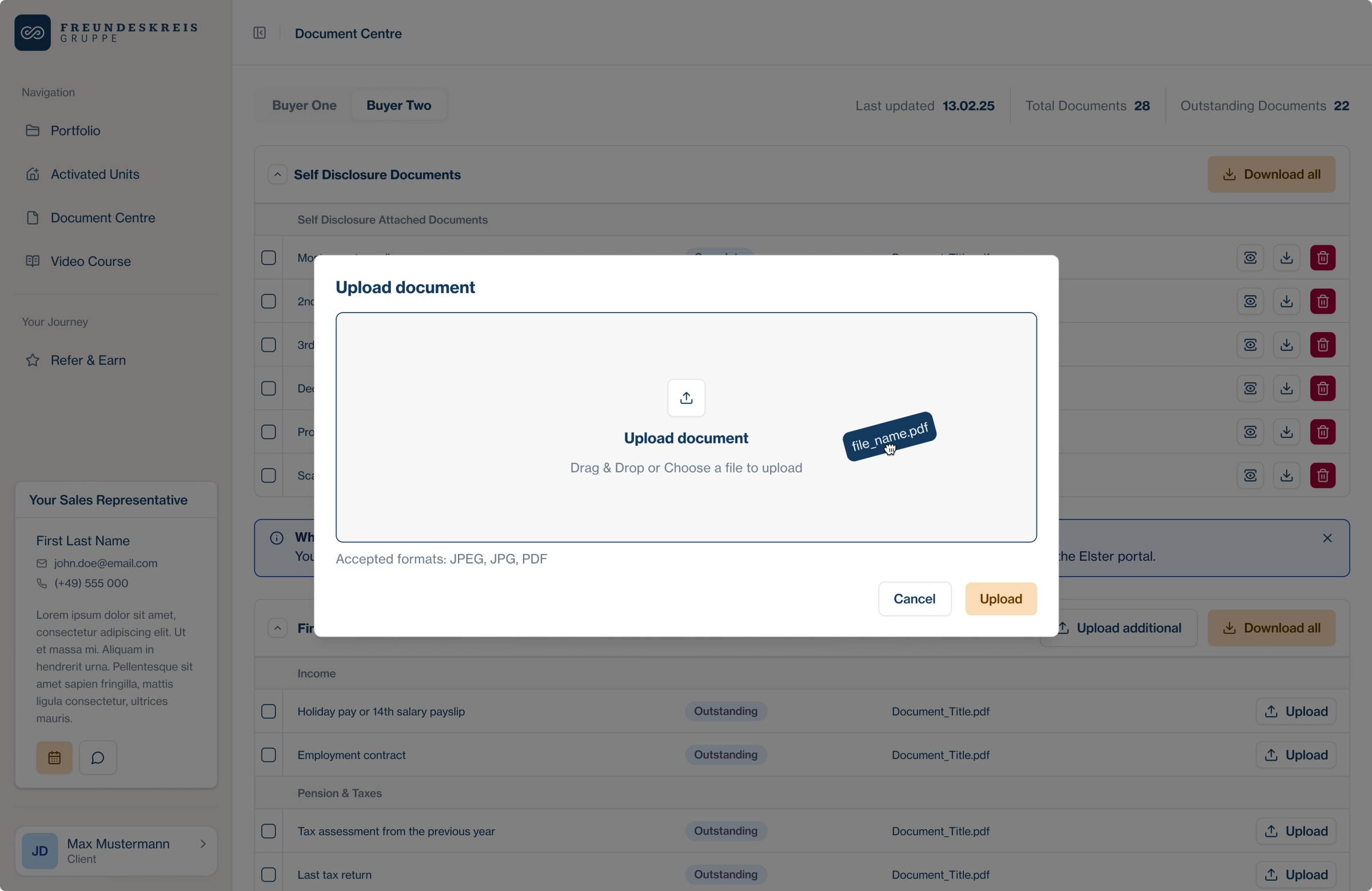
Designing for two languages
Freundeskreis
The Brief
The Freundeskreis Gruppe is an emerging market leader for investment properties in Germany, helping individuals become property owners with a hassle-free approach. Through their 360° package, they manage the entire process - from apartment search and financing to post-purchase support - allowing customers to benefit from rental income, tax advantages, and property value appreciation to build long-term wealth and secure their retirement.
Their customer acquisition strategy is primarily driven by performance marketing on paid channels, with a strong focus on email and WhatsApp communication. To expand their reach, they planned to launch a video course by the end of 2024, targeting real estate beginners. At the same time, customer retention is becoming increasingly important, as most of their clients acquire multiple properties over time. To enhance their experience, they are committed to offering digital, seamless post-purchase support that ensures long-term satisfaction and engagement.
A big project by any measure. But the thing that made it hard had nothing to do with the product's complexity.
Sprechen Sie Deutsch?
The client was German. One person on their team spoke English, and that person was not suited to be the product owner. They could not give useful feedback. They could not direct where the product needed to go. They could not tell us if we were on the right track.
So we had to design in German.
Not "use Google Translate and hope for the best" German. The UI text, the labels, the error messages, the empty states, the onboarding, all of it had to make sense to a German-speaking user, written by a team that did not speak German.
And this was not a small project. Multiple auth roles meant multiple dashboards. Multiple dashboards meant multiple states, multiple flows, multiple touchpoints. Lots of frames, lots of text.
So the real problem became: how do you design a product in a language you do not speak, for a client who cannot tell you if you got it right?
To give you a sense of the scope, here are the roles we had to design for:
- Video Customer
- Qualified Lead
- Customer
- Sales Rep
- Back Office
- Admin
- External Advisor
Seven roles. Each has different goals and different permissions. Each needing their own dashboard, their own flows, their own states.
Try multiplying that by every screen, every input, every error message, every empty state. Now try doing it in a language you do not speak.
I ran a quick check in the Figma file to get a sense of what we were dealing with.
1053 frames. 9736 text nodes. All of them needed to be in German.
Conventional solutions were not an option.
Figma AI could translate every node, sure, but that came with its own set of problems.
Issue #1
A colleague of mine tried that approach. She ran out of tokens before she finished the first role. One role out of seven.
Issue #2
Figma AI translates in one direction and saves the translation as the current state. There is no history of the English source unless you result to saved version history, which, in a project of this scale, would take you forever to load it up and get anything useful. So you take a screen that was in English, translate it to German, and now it only exists in German. If you want to go back to the English version to understand what the screen is doing, good luck, you've just wasted 5 minutes. Tally that interval over the day, week and month. And you're looking at potentially hours of wasted time, simply waiting for figma to load.
As an English speaker, I had to understand each frame and every flow. I had to know what the copy was trying to accomplish so I could make good decisions about layout, hierarchy, state management. You cannot do that if the copy is in a language you do not speak.
The tension
- We had to design in English. That was the only way to move at the speed this project demanded. 1053 frames, 9736 text nodes, seven roles, there was no room for friction, lol.
- But the designs also had to be available in German. The only person on the client's side who spoke English could not give useful product direction. We had to see the product in our own language in order to monitor progress and discuss it internally, and their German-speaking team needed the same.
So how do you design in English and have those designs available in German? How do you iterate quickly without losing either version? How do you keep the English source of truth alive while the client reviews in German? And how do you do all of this without a translation tool that breaks the moment you scale?
The answer was the Figma Plugin API.
A Way Forward
Here is something a lot of people do not know about Figma: every piece of text on the canvas belongs to a text node. Each text node has a unique ID and a characters property that holds its content.
That sounds obvious, but it means something important: the entire text surface of a Figma file is machine-readable. You can traverse it, extract it, transform it, and write it back.
Step 1: Scrape everything
I wrote a plugin script that walked every frame in the file, grabbed every text node, and built a JSON object mapping each node's ID to its English text.
{
"1123:4567": "Email address",
"1123:4568": "Password",
"1123:4569": "Sign in to your account",
"1123:4570": "Forgot password?",
...
}
Every string in the entire file. One JSON file. 2,847 entries. (I ran a deduplication script in the background)
Step 2: Translate via Tolgee
I took that JSON and uploaded it to Tolgee. Tolgee handled the translation and, crucially, cached the results. The more we translated, the faster subsequent runs became. The same string appearing across multiple frames was translated once and reused.
Step 3: Write it back
Tolgee exported the German translations as a matching JSON object keyed by the same node IDs. My plugin script read that file, found each node by ID, and replaced its characters with the German text.
Job done. Right?
Not quite.
The problem with replacement
Replacing text directly works once. But what happens when you need to go back to English? You would have to re-upload the English JSON and replace every node again. And then switch back to German. And so on. Every time a string changed, you would need to run the whole pipeline from scratch.
Not scalable. Not fast. And definitely not something you want to do across 2,847 text nodes more than once.
Step 4: Figma Variables as a language switch
I had an epiphany. Figma variables let you define values that can change across the entire file with a single toggle. What if I used variables as a language layer?
I created a "language" variable collection with two modes: English and German. Every text node in the file was bound to a variable instead of containing hardcoded text. The variable's value changed depending on the mode.
I will not pretend I knew it would work. I set it up, held my breath, and flipped the mode from English to German.
The file flickered. Every text node in every frame, all 9736 of them, switched to German in real time. One click. The entire file spoke a different language.
That moment was the entire project clicking into place.
I could flip to English mode. I could read everything, make decisions, move fast. Internal reviews with project managers and developers happened in English, a language we all understood. We could point at things, reference them by name, talk about flows without guesswork.
When the client needed to review, we flipped the mode to German. One click. The entire file, all 1053 frames, all 9736 text nodes, switched to German. The client could review the designs in their own language, give feedback through their English-speaking teammate, and we could understand exactly what they were referring to.
Step 5: Iterating without breaking
When a string changed, I ran a plugin script that checked which text nodes had been modified since the last export. It grabbed only the IDs and English text of what had actually changed. Tolgee translated just those strings. The updated translations were imported back into the variable collection.
No full re-scrape. No manual node hunting. No lost English source.
A look at the designs